
RITA
WANG
NOTION STUDIO
How can Notion better support my hyperfixations?
Notion is a customizable app for both personal and workplace use. Many use it like a journal for personal life organization.
This project explores how Notion could better faciliate interest-driven personal research.
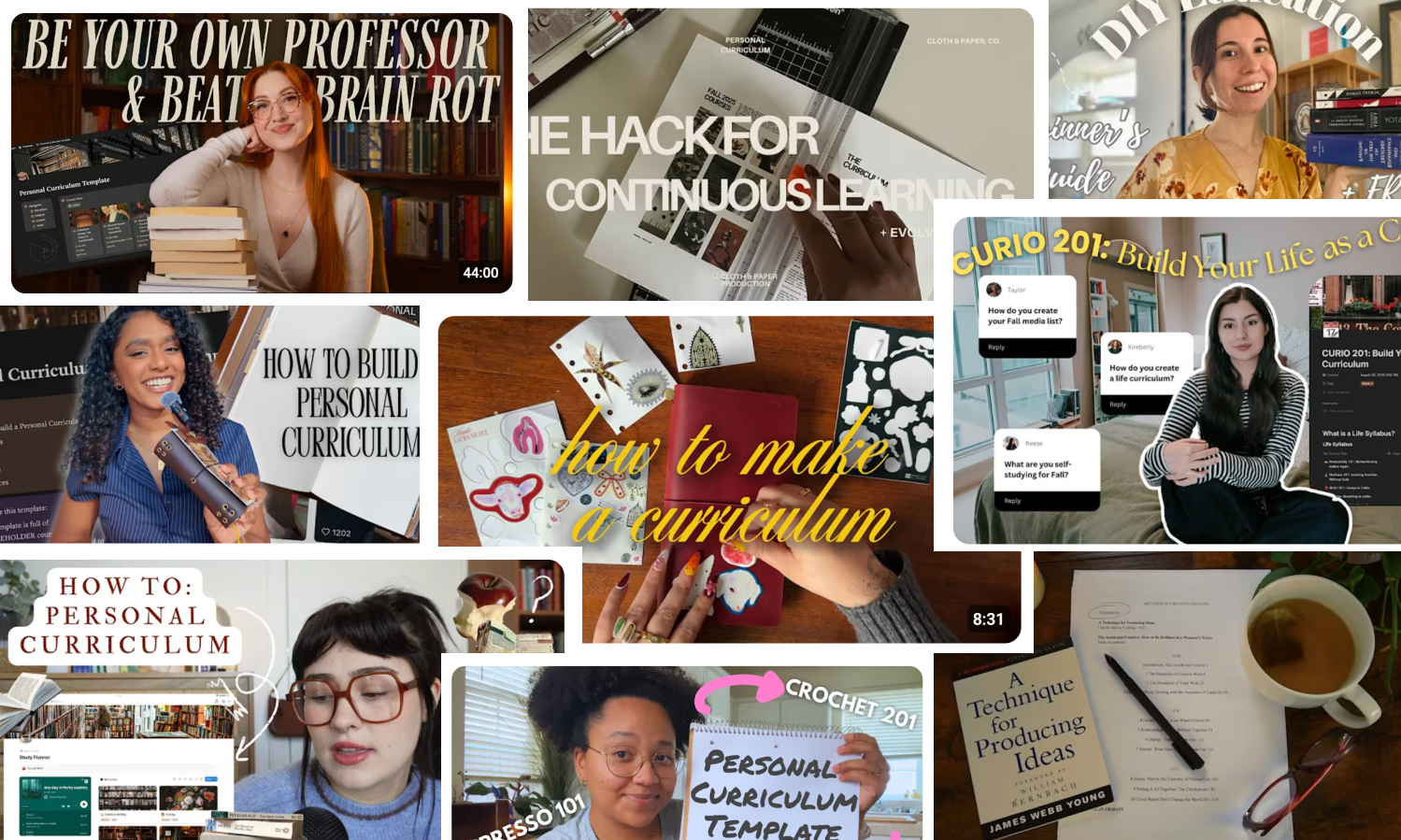
Mid-2025, building personal curriculum became a trend.
Productivity creators were designing their own learning paths outside traditional education.
I noticed that a lot of the videos use Notion as their personal curriculum tracker.
→ INTERNET ANALYSIS
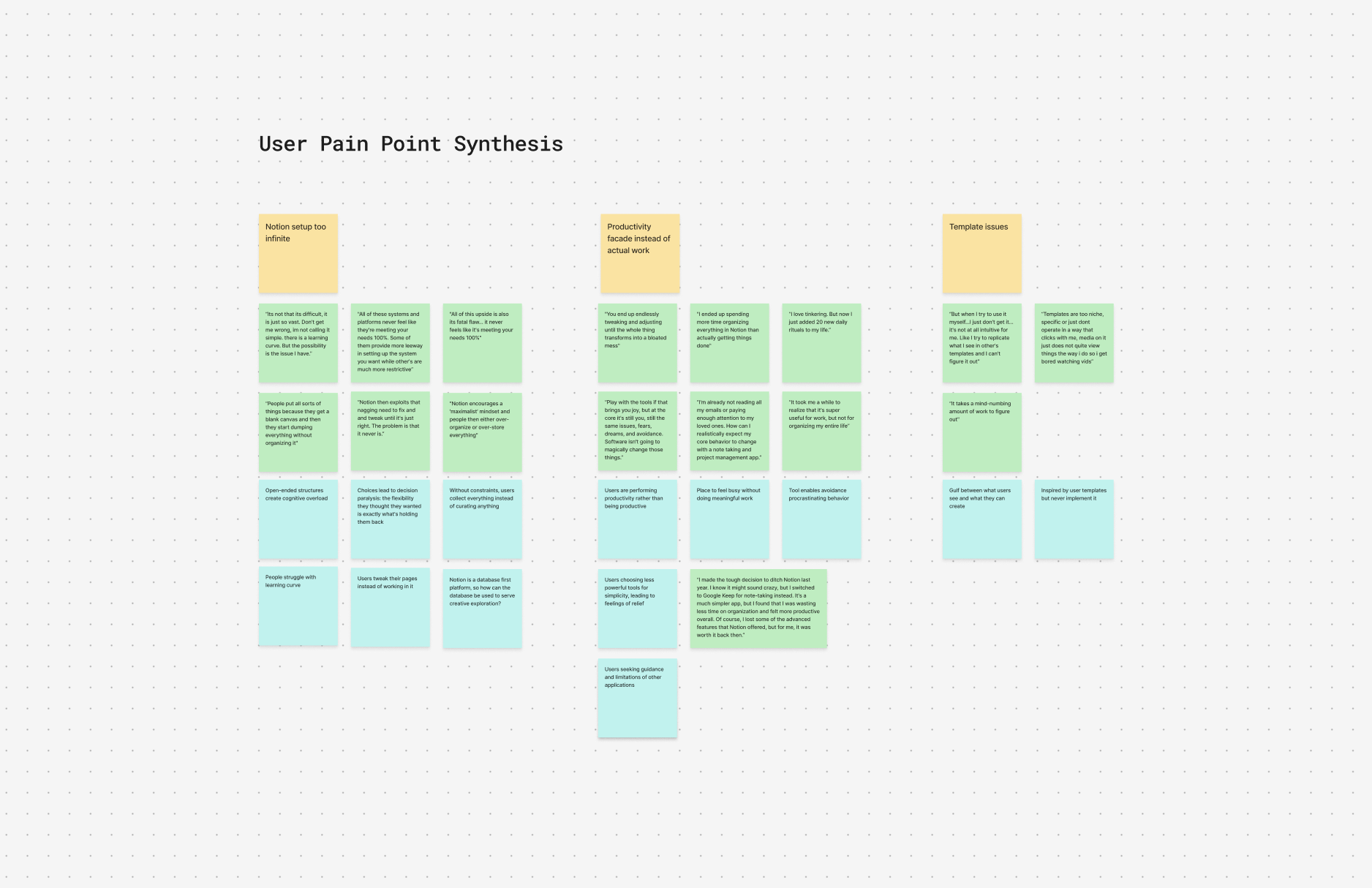
I analyzed 50+ online forums dedicated to Notion and productivity for pain points and frustrations.
Notion can be used for personal and business cases so I filtered the forums and focused on specific users who explicitly states they use Notion for personal reasons.
→ PAIN POINTS
Infinite possibility creates paralysis
Open-ended structures create decision paralysis. Users spend hours designing the "perfect" system instead of learning.
Productivity over learning
Organizing becomes productive procrastination. Users build elaborate systems they never use.
→ KEY INSIGHT
Users are frustrated by Notion’s innate openness, causing them to give up and flee to “simpler” organizing apps.
→ THE MAIN PROBLEM
Notion’s database-central approach is useful for people who enjoy convergent thinking which prioritizes linear structures.
Self learners are divergent thinkers: valuing making conceptual connections and identify unique opportunities.
→ THE OPPORTUNITY
How might we create a new Notion feature that starts with guidance, supports conceptual thinking, and encourages connections?
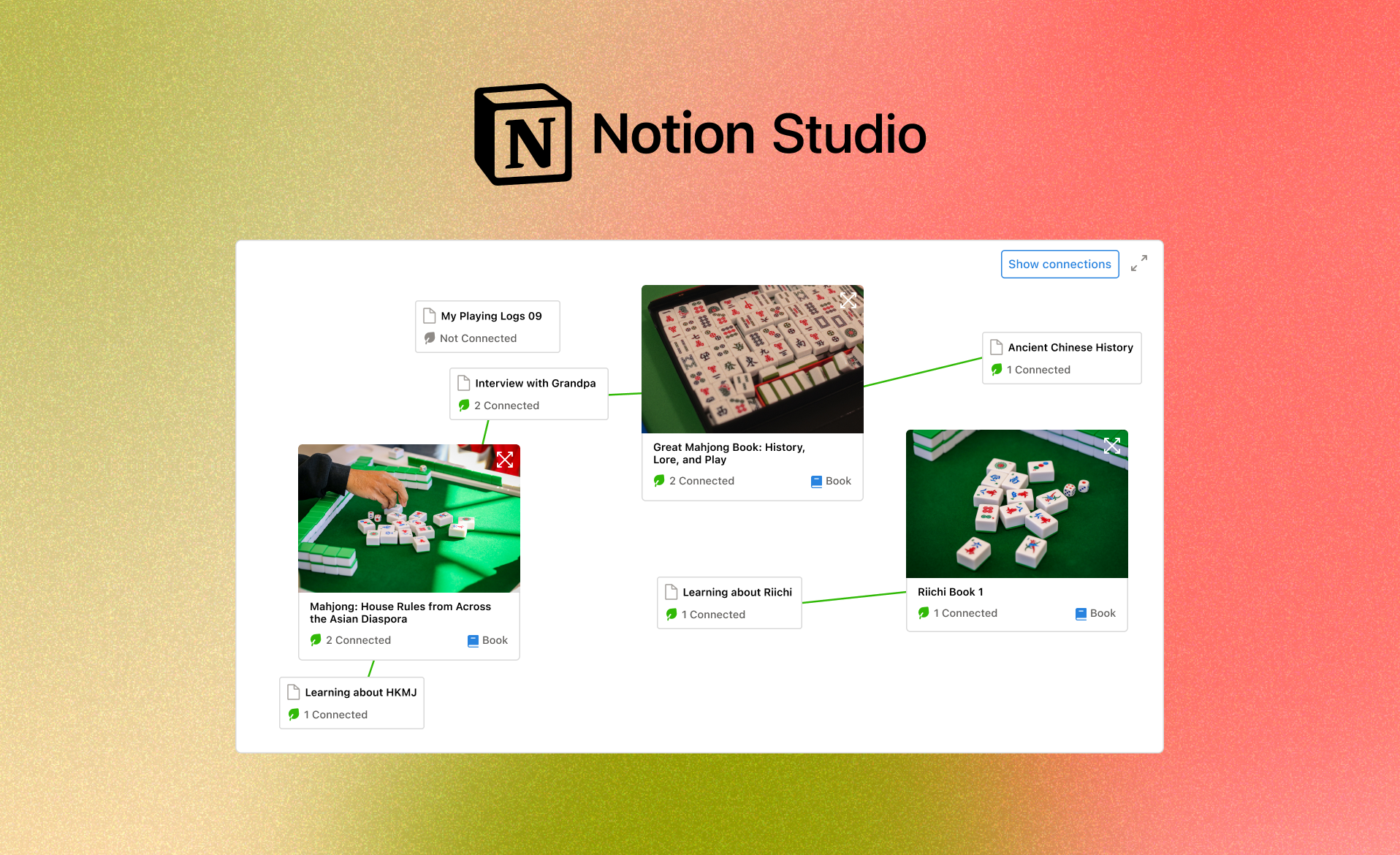
Introducing new Notion feature: Notion Studio
→ SUMMARY
Notion Studios has a guided onboarding that help users define the goals of the space and free-form boards that users can connect.
→ ONBOARDING
Notion's blank page paralyzes users. Studios needed onboarding that provides direction without prescribing structure.
It utilizes Notion's existing features and AI pattern recognition to create an simple outline for the user to populate.
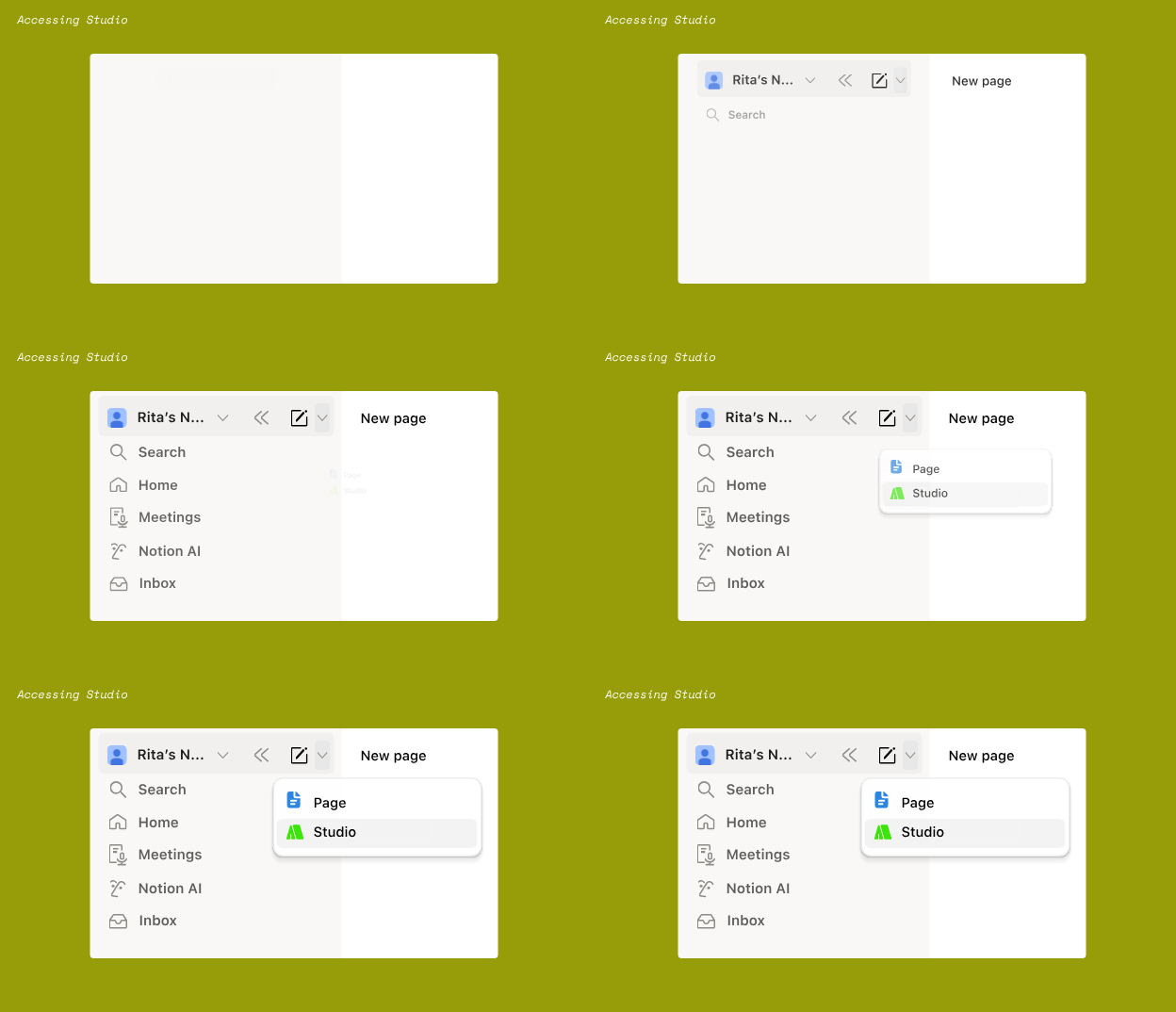

→ ONBOARDING CREATES A STUDIO SPACE
After onboarding, the studio space is outlined for the user.
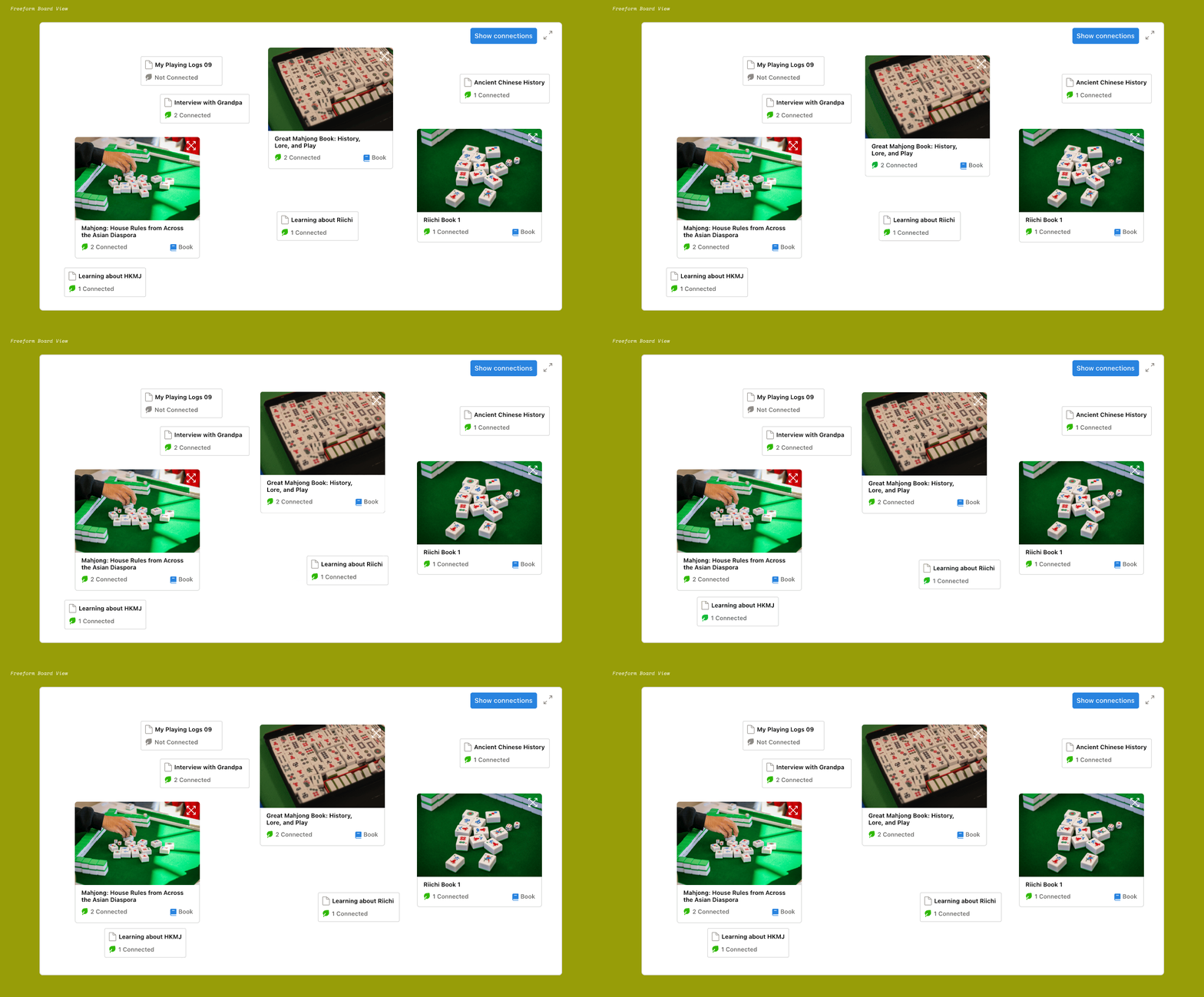
The space will have guiding questions at the very front.
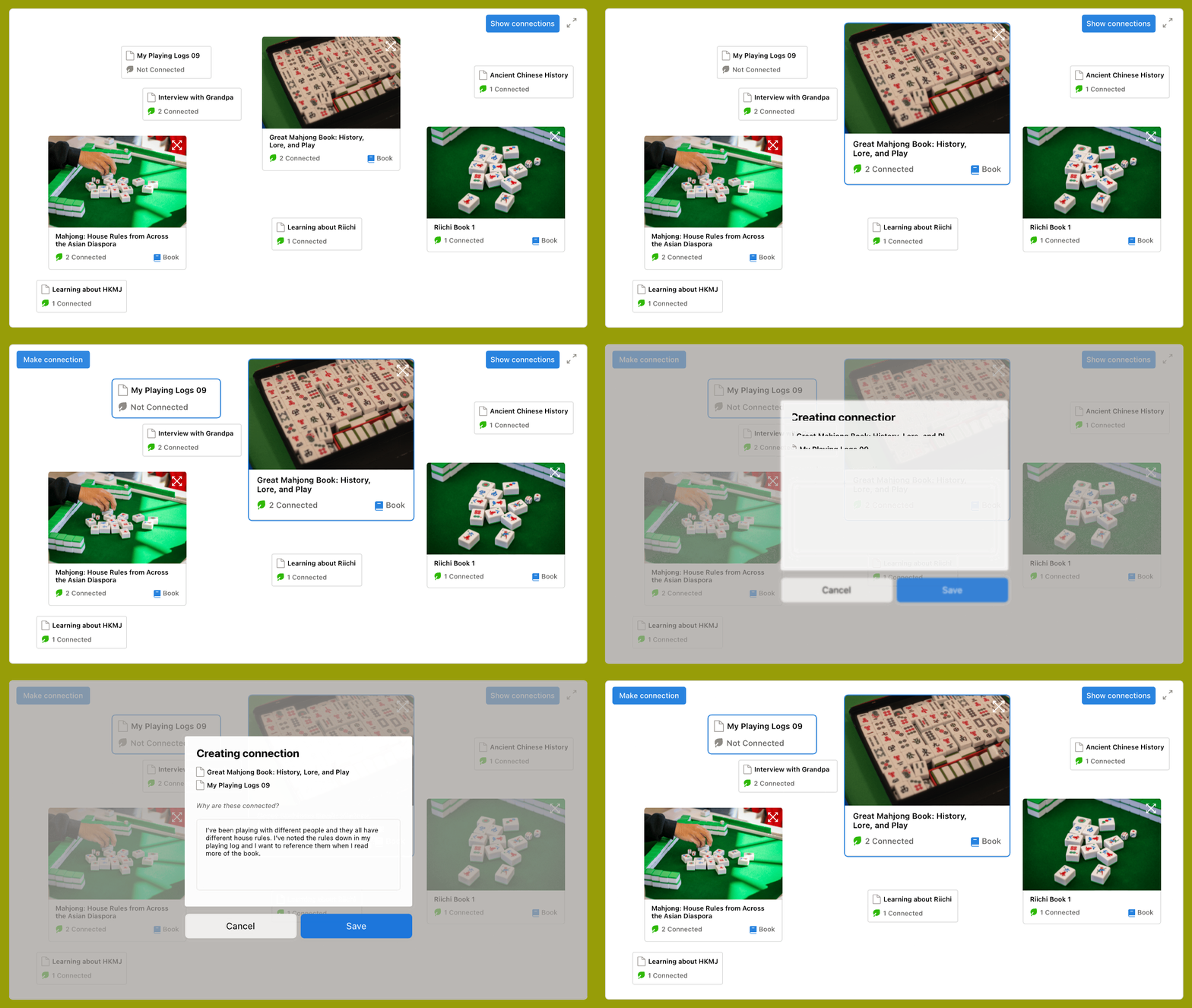
The users can add connections between their database entires.

→ SHOWING CONNECTIONS
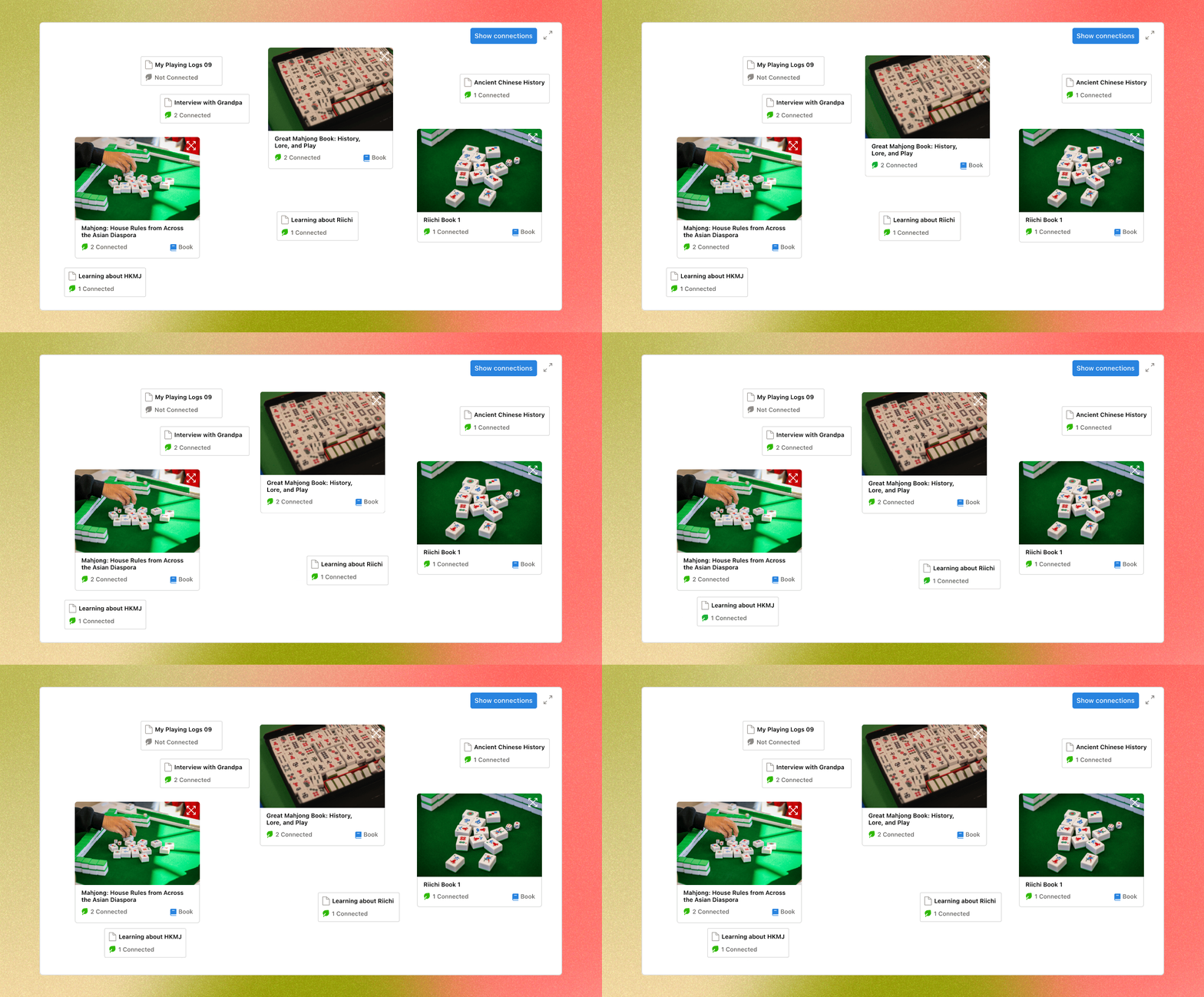
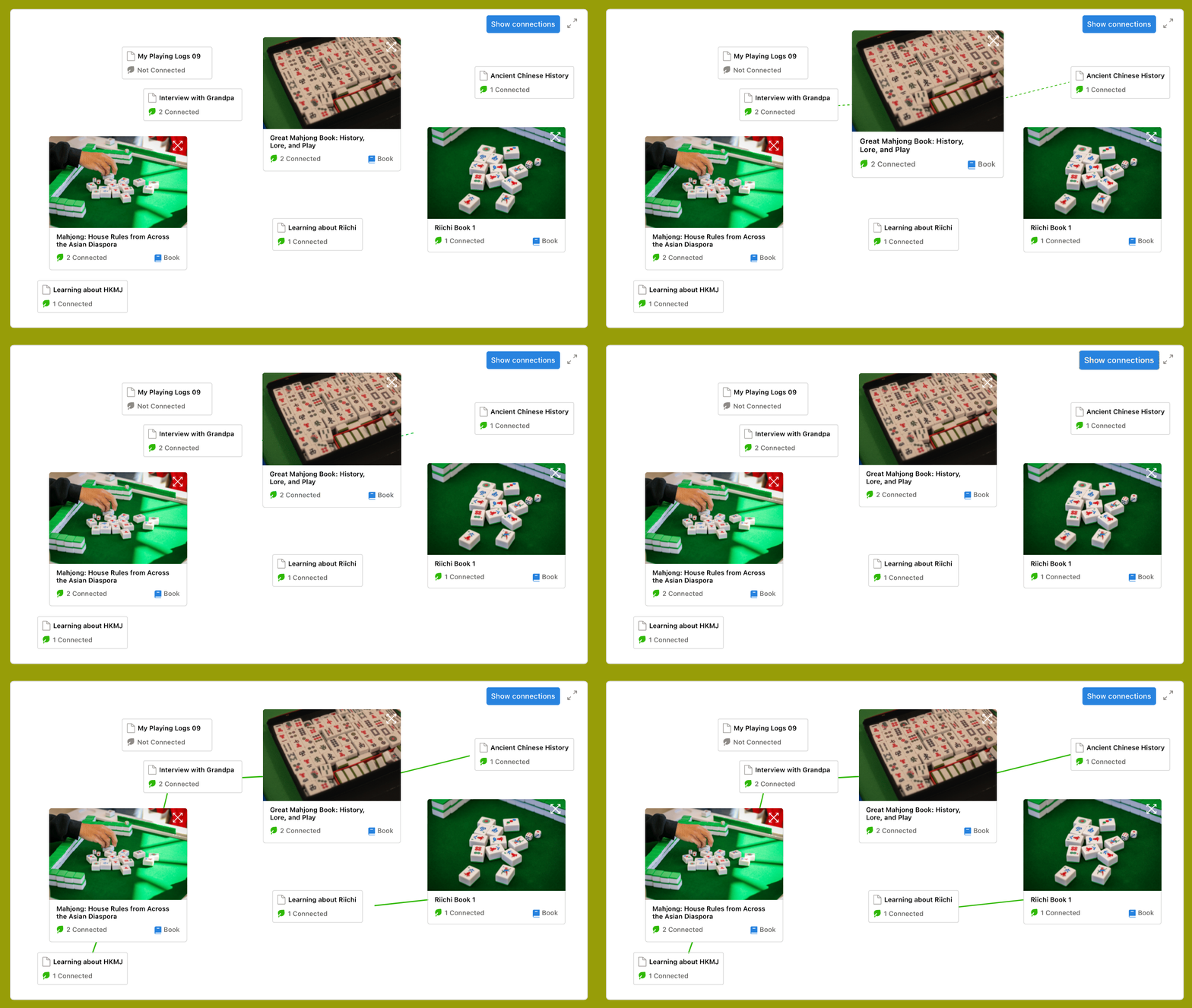
When hovering on the entires, the user will see the connections the entries have.
"Show connections" will show all of the connections between the databases.
→ CREATING CONNECTION
Users can select two database entries and create a new connection between them.
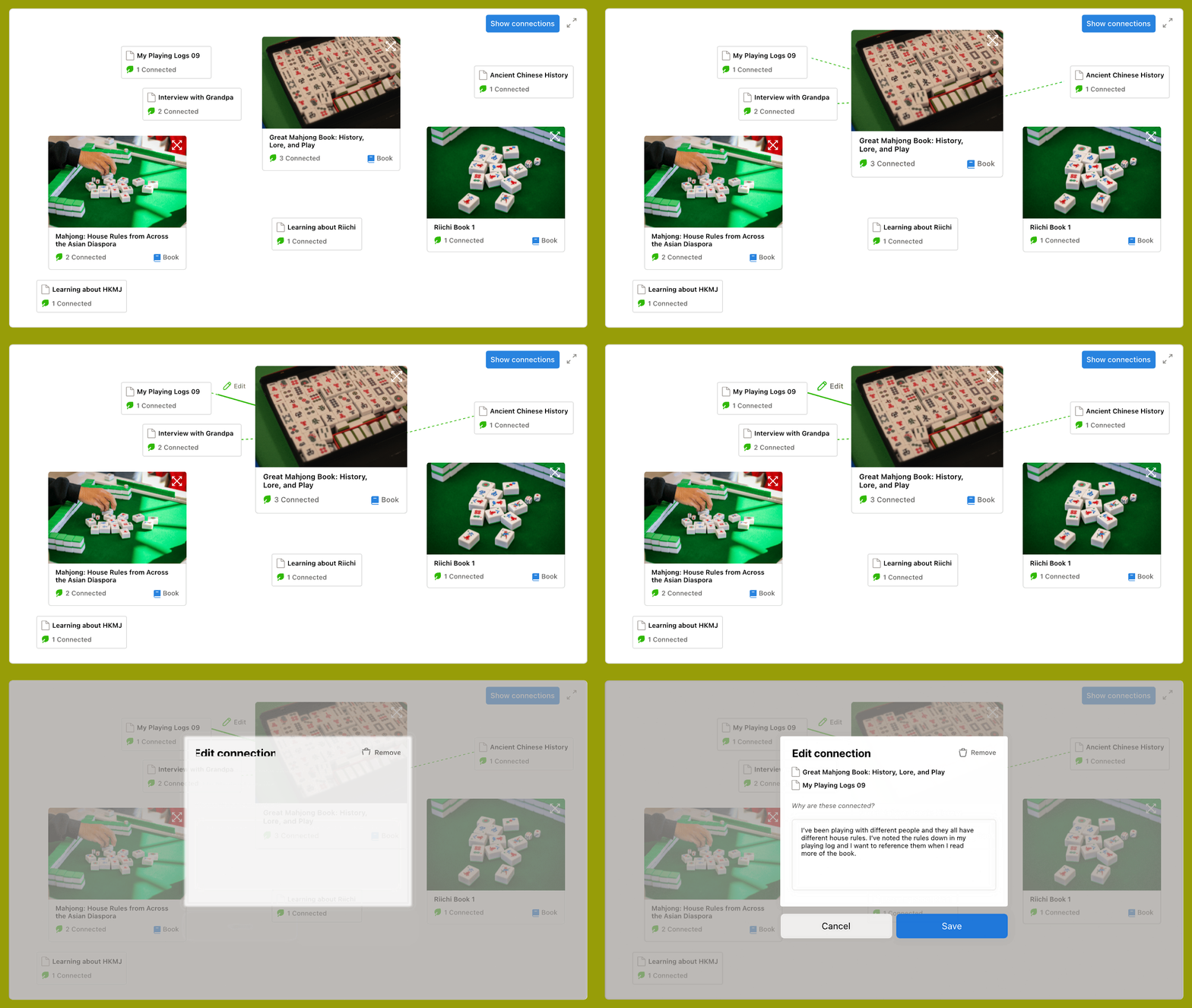
→ EDITING CONNECTION
Users can update their connections between entries.
They can rewrite and remove the connection.